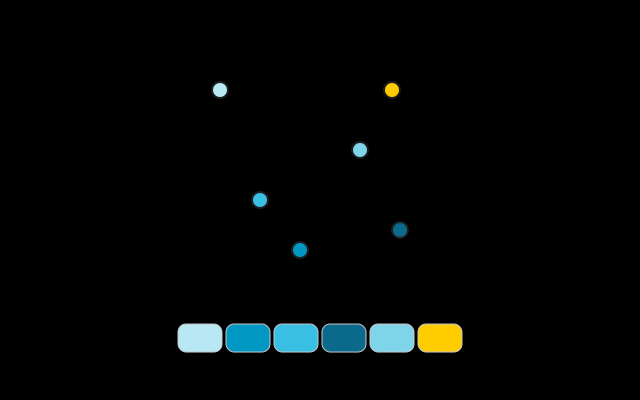
The tool is a color palette extractor, not a generator and not a single-colour picker. It looks at the pixels you opened and clusters them into the number of swatches you asked for. That is why a color palette from image result can change when you move a point, change the count, or ignore whites and blacks: you are steering which pixels are allowed to vote, not asking a model to invent a scheme.
How many colours you should ask for depends on the job. Three to five is plenty for a tight brand. Six, the default, is a comfortable middle for a site or a small identity. Eight to ten suits a room or a busy mood board. Going past that is useful only when the photo really does contain many distinct colours; otherwise you get near-duplicates of the same wall or sky.
Without a photo, or for a complementary or triadic scheme from one hex, use the color palette generator. This page is built for extraction, with draggable points, the ignore-white/black switch and ASE and GPL exports; to copy a single pixel's hex, use the color picker.
A color palette from image tool also does not read a website URL, and it does not install as a browser extension. Open an image you already have, or take one with the camera. It is not an AI generator: the colours come from the file, not from a prompt.